

Create an account
Sign up to the TMaps console with email + password or in one click via Google.
The TMaps console is the interface where you manage your API keys, your authorized domains and track your usage. It lives at app.tmaps.tn.
1. Open the sign-up page
Go to app.tmaps.tn/auth/sign-up.
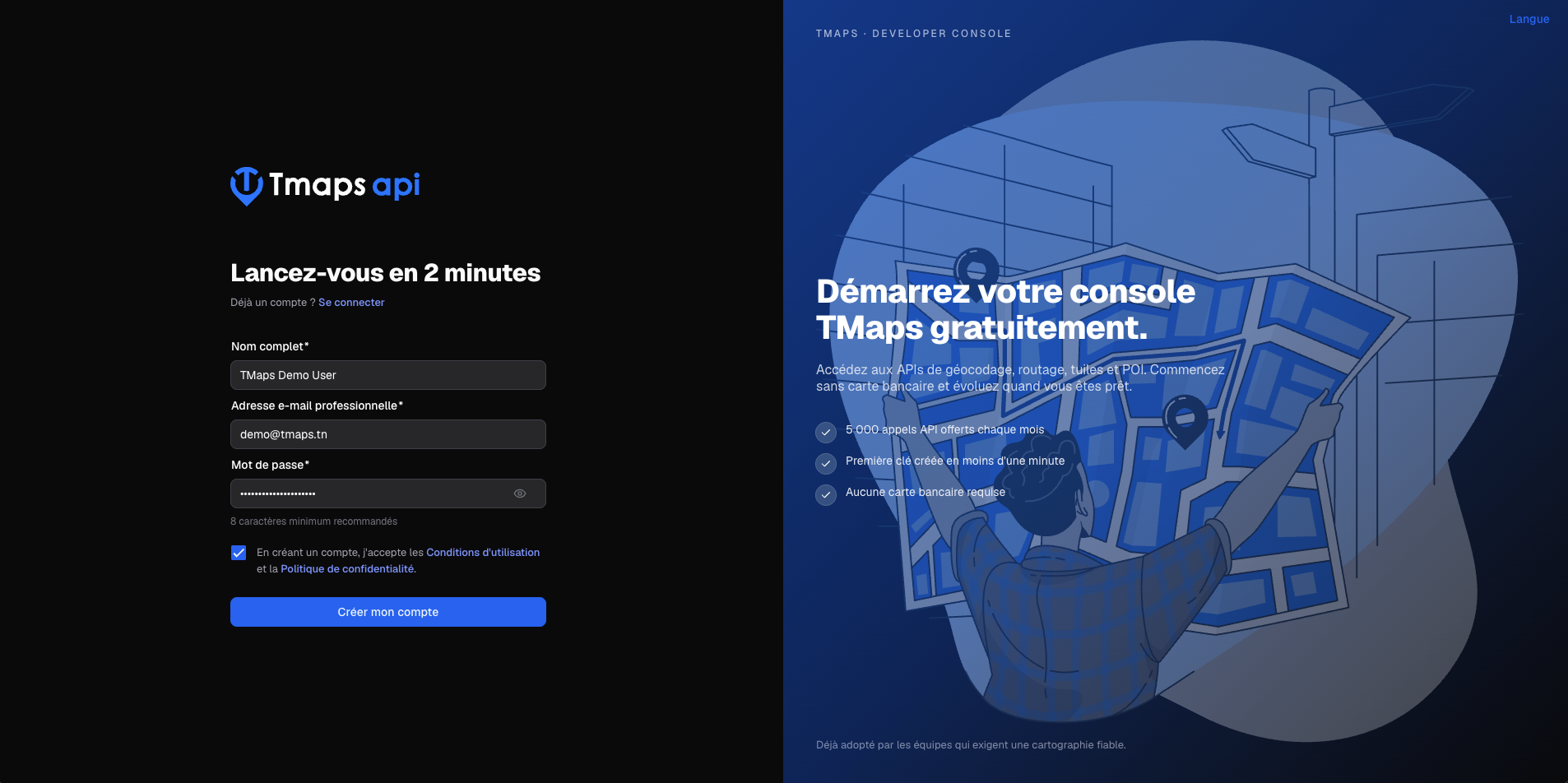
2. Choose a sign-up method
Two options are available:
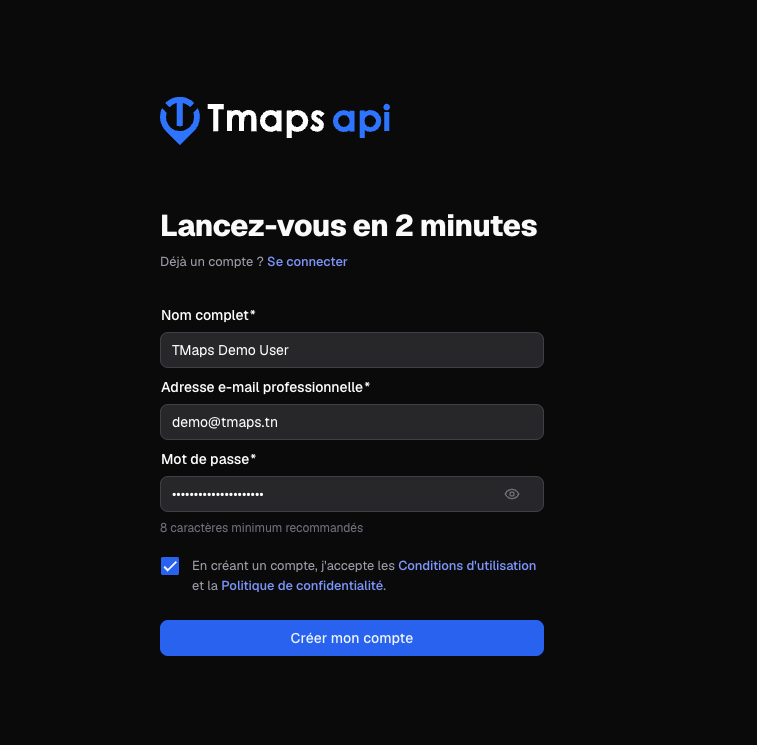
Option A — Email + password
- Enter your work email.
- Set a strong password (at least 8 characters).
- Click Sign up.
- You’ll receive a confirmation email — click the link to activate your account.
Option B — Google (one-click sign-in)
- Click Continue with Google.
- Pick your Google account and authorize basic profile access (name, email).
- You’re immediately logged into the console.
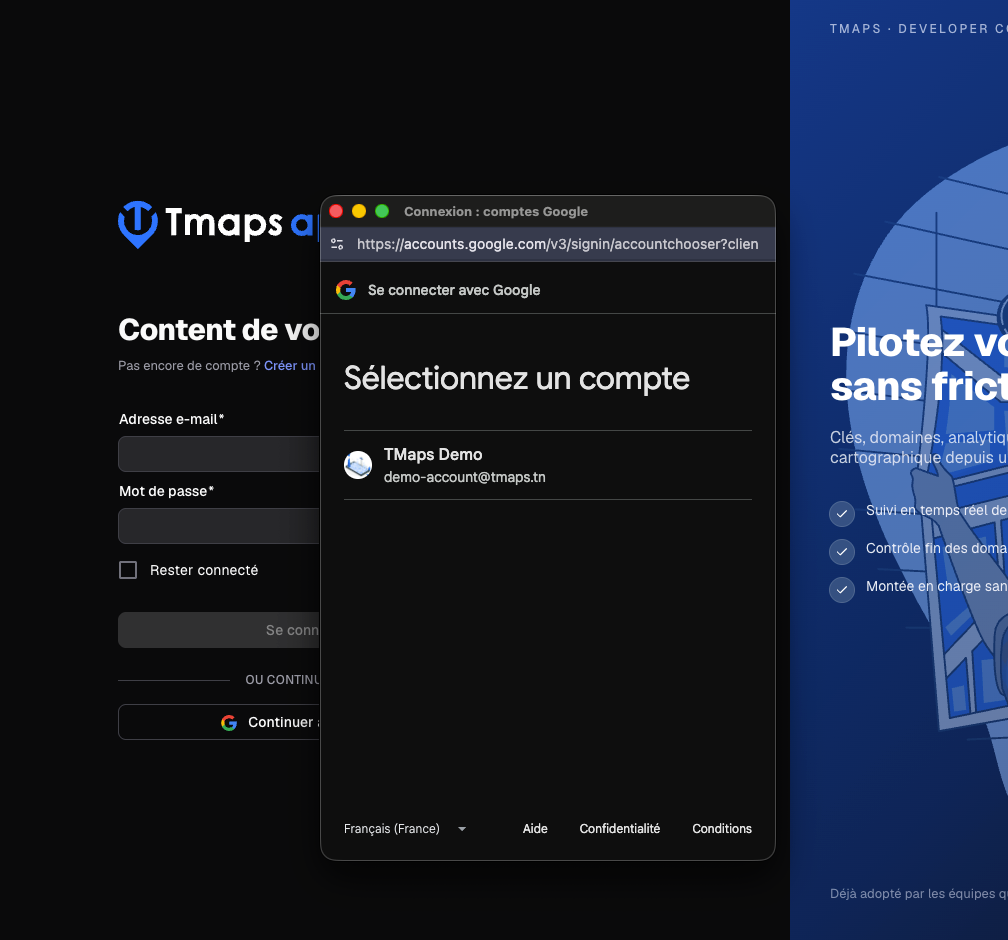
The Google account and the email + password account are distinct: if you want to use both methods, create two separate accounts or contact us to merge them.
3. First dashboard visit
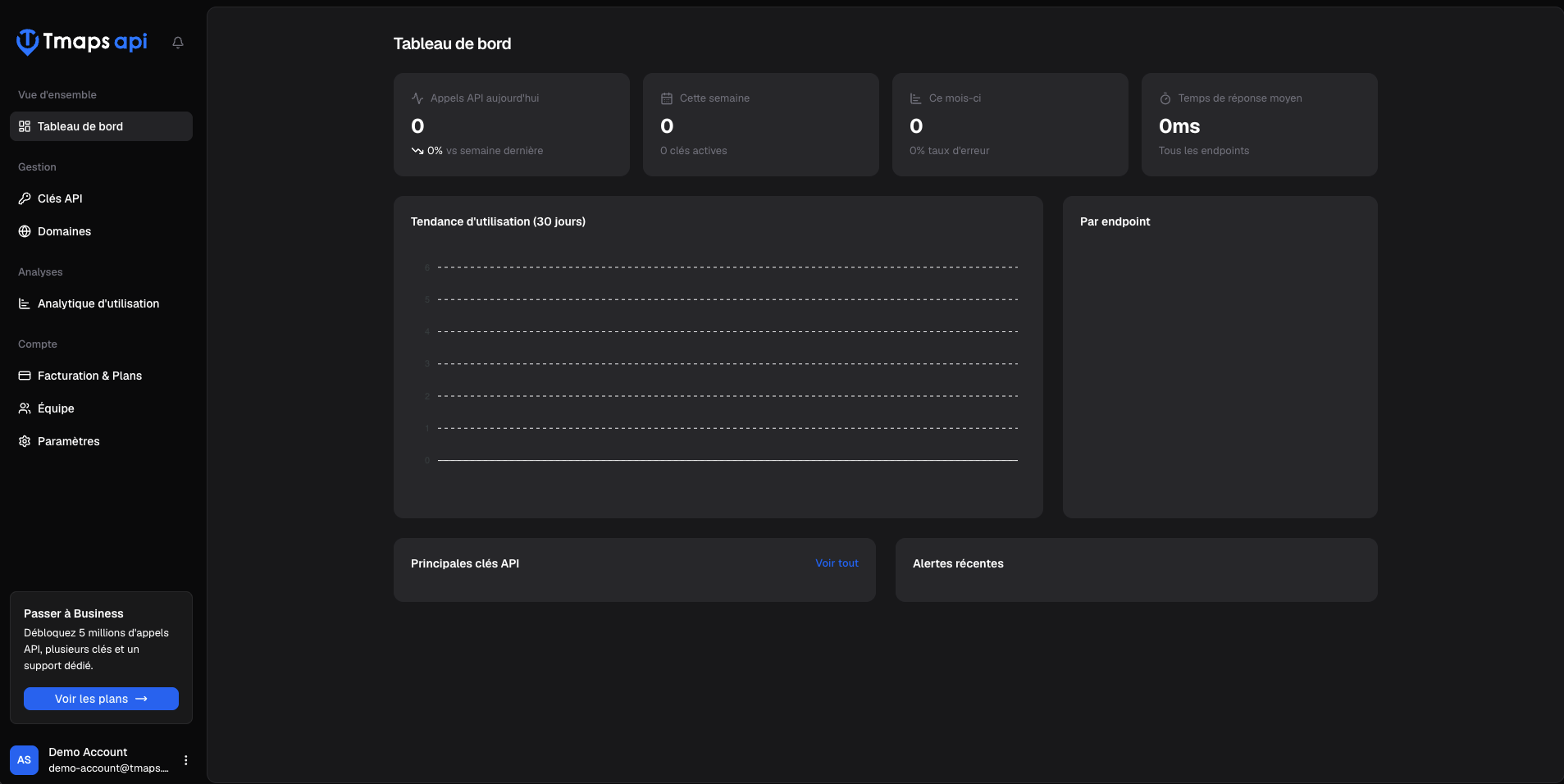
Once logged in, you land on the console dashboard. The main sections are accessible from the sidebar:
- API Keys — create, disable and revoke your keys
- Authorized Domains — manage the domains allowed to use your keys
- Usage — track consumption per endpoint
- Billing — subscription and invoices
Next step
You’re ready to create your first API key: